 how-to
Seamless Contractor Communication: 2026 Guide
Table of Contents
- Why Contractor Communication Makes or Breaks a Renovation
- Questions to Ask Your Contractor Before Starting
- Building a Communication Plan for Your Project
- Contractor Communication Templates That Save Time
- Best Construction Project Management Tools for Homeowners
- How to Manage Home Renovation Expectations
- Handling Conflict, Delays, and Emergency Situations
- Conclusion: Consistent Communication Builds Trust
- Frequently Asked Questions
Last Updated: September 17, 2026
Why Contractor Communication Makes or Breaks a Renovation
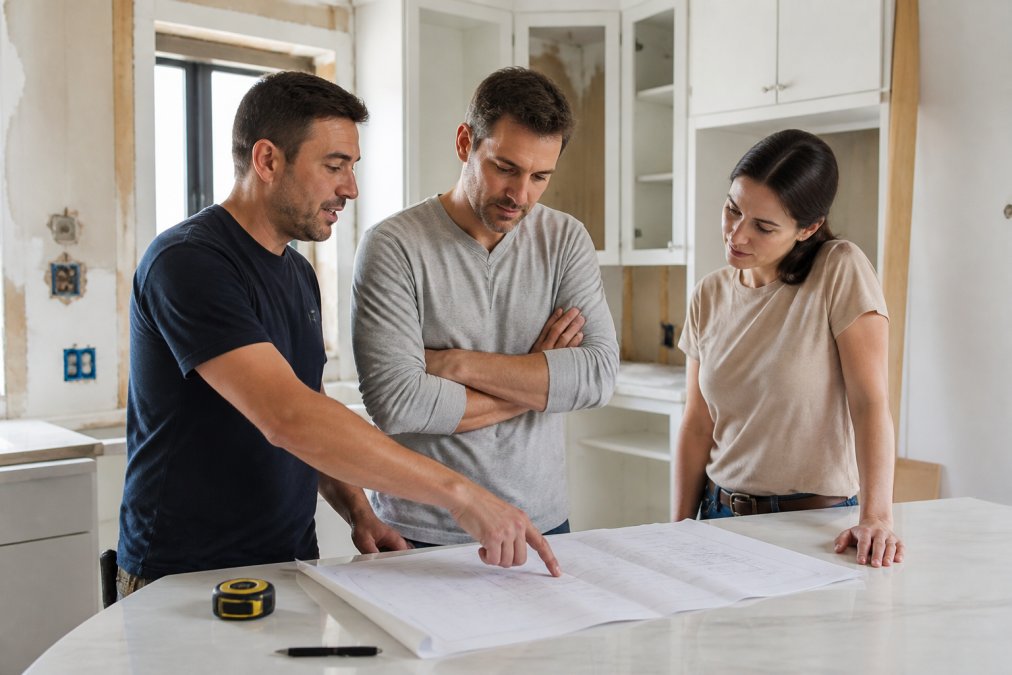
A renovation rarely fails because of bad tile or a wrong paint colour. It fails because nobody knew what was happening next. This guide from Restmark Renovations breaks down the best consistent communication throughout the project for seamless contractor communication, from the first walkthrough to the final sign-off.
Questions to Ask Your Contractor Before Starting
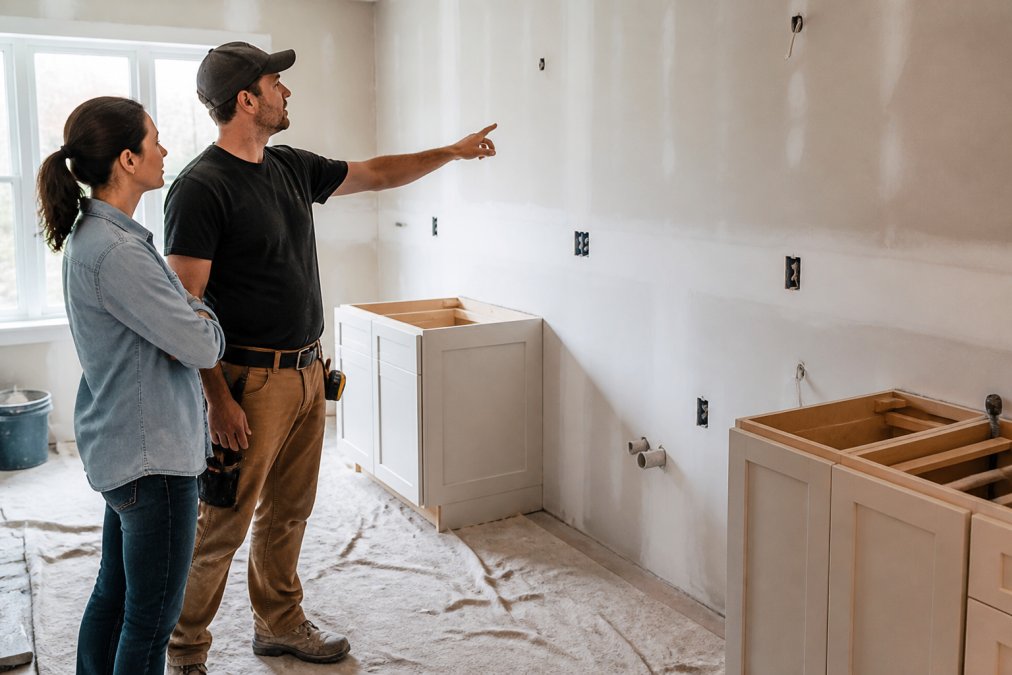
The right questions surface problems while they are still cheap to fix. Ask them before you sign anything, and write down the answers.
- How will you send me updates, and how often?
- Who is my single point of contact on site?
- What happens if we hit an unexpected issue behind the walls?
- How are change orders priced and approved?
- What does your schedule look like week by week?
- Can I speak with past clients who did similar work?
Building a Communication Plan for Your Project
A communication plan is a short written agreement covering who talks to whom, on which channel, how often, and how fast each side responds. It takes twenty minutes to draft and prevents most mid-project disputes.
Setting Channels, Cadence, and Response Times
Assign one channel per purpose so nothing gets lost. A simple structure works well:
| Message Type | Channel | Cadence | Response Time |
|---|---|---|---|
| Daily progress | Photo update in project app | Daily by 6pm | Not required |
| Decisions and selections | Email or app thread | As needed | 24 hours |
| Urgent site issues | Phone call | Immediately | Same day |
| Weekly review | Scheduled call or meeting | Weekly | 48 hours |
| Change orders | Written document with signature | Before work starts | 24 hours |
Contractor Communication Templates That Save Time
Templates remove the guesswork from updates and keep a written record. Copy these and adapt them to your project.
Best Construction Project Management Tools for Homeowners
Most homeowners do not need enterprise software, but a shared platform beats scattered texts. The right tool depends on how much visibility you want, how many people need access, and whether your crew works from a phone on site or a laptop in an office.
How to Choose Without Overbuying
Judge any platform against five criteria before you commit:
- Mobile-first design. If the field crew cannot post a photo, log a delay, or approve a change from a phone in under 30 seconds, adoption will fail. Desktop-only tools get abandoned by week two.
- Offline capability. Basements, parkades, and rural lots have dead zones. A tool that queues updates and syncs when signal returns prevents gaps in the record.
- Client-facing visibility. You should be able to see daily logs, photos, and change orders without asking for a screenshot.
- Document trail. Every approval, selection, and change order should be timestamped and exportable as a PDF.
- One system, not two. If your contractor already runs a platform, use theirs. Adding a second system creates the very information silos you are trying to avoid.
Platform Options Worth Knowing
- Buildertrend gives you a client portal with daily logs and digital change orders. It is thorough, though the learning curve is real and the mobile app is less fluid than its desktop dashboard.
- Kraaft is mobile-first, built for field crews who need fast photo and video updates from site, with offline mode for low-signal areas. It is lighter on client-facing financials.
- Projul keeps a client-facing dashboard and communication log, which suits smaller residential jobs where the homeowner wants a single login.
- Buildern focuses on client approvals and selections, useful when finish choices drive the schedule.
- CrewConsole and Udext standardize reporting and documentation, better suited to contractors than homeowners.
A Mobile-First Field Workflow You Can Set Up This Week
Most guides assume everyone is at a desk. On a renovation site, the person with the most current information is holding a phone in a dusty room. Build the workflow around them:
- Morning: crew lead posts a single photo of the day's work area with a one-line note on what is happening.
- Midday: any blocker, a missing fixture, a hidden pipe, a late delivery, is logged as a photo plus a two-sentence description, tagged to the decision-maker.
- End of day: a short voice-to-text summary and three photos replace a long written report. Voice notes cut typing time on site and capture detail that gets forgotten by evening.
- Weekly: the office compiles the field posts into one client update, so the homeowner reads a clean summary instead of scrolling through raw site chatter.
The Trade-Off Nobody Mentions
More visibility is not always better. Daily photo dumps can overwhelm a homeowner and create the impression of progress when the critical path has not moved. Agree in advance on what gets reported daily versus weekly, and keep the weekly summary focused on schedule, budget, and decisions needed, not a photo album.
How to Manage Home Renovation Expectations
Expectation management is the discipline of aligning what you picture with what the schedule, budget, and site conditions allow. Most disappointment comes from unspoken assumptions, not poor workmanship.
Handling Conflict, Delays, and Emergency Situations
Most communication guides tell you how to talk. Few tell you what to do when talking stops working. This section gives you a protocol for the three moments that derail renovations: a dispute, a delay, and an emergency.
A Conflict Resolution Protocol
Agree on this ladder before anyone is frustrated, and write it into the communication plan:
- Raise it in writing. A short email or app message stating the issue, the impact, and what you are asking for. Written first means the facts are on record before emotions enter.
- Discuss at the next scheduled check-in. Not an ambush call. Both sides arrive prepared.
- Escalate to a site meeting. Walk the space together. Most disputes are about a misunderstanding of what was built versus what was imagined, and standing in the room resolves it faster than any thread.
- Bring in a neutral third party. For residential work, that may be a mediator or, for contract disputes, the provincial consumer protection body. Consumer protection guidance on home renovation contracts
- Document the resolution. One paragraph, both sides acknowledge, filed with the contract.
Delays: Ask Three Questions, Get Three Answers in Writing
When a delay hits, do not accept "it will be fine." Ask:
- What is the cause? Material, labor, weather, inspection, or a change you approved.
- What is the recovery plan? Re-sequencing, added crew, overtime, or a revised date.
- What is the new date? In writing, with the schedule updated.
Emergency and Safety Incident Communication
This is the gap most guides skip entirely, and it is the one that matters most. A water line failure, a gas smell, a structural surprise, or a fall on site requires a different communication mode than a weekly update.
Agree now on:
- One phone number for after-hours emergencies, answered by a named person, not a general line.
- One decision-maker authorized to approve emergency spend up to a set limit without waiting for a signature.
- A same-day written record of what happened, who was notified, what was done, and what the next step is. Incident reporting protects both sides and is often required by workplace safety rules.
- A safety-first rule: if anyone on site believes a condition is unsafe, work stops and the concern is raised immediately, no penalty, no debate.
When Crews Speak Different Languages
Renovation sites are increasingly multilingual, and a misunderstood instruction is a rework cost. Reduce ambiguity with three habits:
- Plain-language written briefs. Short sentences, no trade jargon, one instruction per line.
- Photos of the intended result. A picture of the finished detail removes more ambiguity than a paragraph of description.
- A visual daily board. Tape the day's tasks and a reference photo where the crew starts work. It works across every language on site.
A protocol agreed in calm weather is worth ten conversations held in a storm. Write the escalation ladder, the emergency number, and the delay questions into your communication plan on day one.
Conclusion: Consistent Communication Builds Trust
The hardest part of any renovation is not the building. It is keeping everyone aligned while the work moves. Get the communication plan right and the rest follows.
Frequently Asked Questions
How often should a contractor communicate with a homeowner during a renovation?
Daily updates are ideal during active work, even if just a quick text or photo. A weekly scheduled call covers progress, upcoming tasks, and any decisions needed. For longer projects, monthly reviews help step back and assess the bigger picture. The key is consistency: set the cadence before work begins and stick to it. If your contractor goes quiet for more than two days without warning, that is a red flag worth addressing early.
What should be included in a construction communication plan?
A solid plan covers who your main contact is, which channels to use for different types of messages, how often you will receive updates, and how changes or issues get reported. Include response time expectations, a process for change orders, and a shared location for documents like contracts and drawings. Write it down and review it together before the first hammer swings. This prevents assumptions and keeps everyone accountable.
How do you handle miscommunication with a renovation contractor?
Address it immediately and in writing. Reference the original agreement or message, explain what you understood versus what happened, and ask for clarification. Stay factual rather than emotional. If the issue involves scope or cost, request a written change order. Most problems stem from assumptions, so confirming decisions in writing after every conversation is the simplest prevention. If a pattern of miscommunication continues, escalate to a formal project review.
What are the benefits of using project management software for home renovations?
These tools centralize updates, photos, documents, and messages in one place, so nothing gets lost in email threads or text messages. You get real-time visibility into progress, approvals, and budget changes. Many platforms like Buildertrend and Projul offer client portals designed for homeowners. The main benefit is transparency: you always know what is happening and what comes next. For smaller projects, even a shared folder and a group chat can replicate some of this structure.